
Desktop astrology software (Jagannatha Hora, Parashara's Light, Kala, LeoStar) installs on one computer, works offline and often costs nothing or a one-time fee. Online software such as Bodhlok runs in the browser: no installation, automatic updates, the same charts and client notes from any computer, and easier shared teaching. Choose by how and where you consult.
The question practitioners actually ask
Most astrologers who have practised for a few years already own a desktop program. The question is rarely "do I need software?" It is "should my daily consulting move to the browser, and what do I give up if it does?" This page sets out both sides plainly, including what desktop tools still do better.
What desktop Jyotish software does well
Desktop programs have served Indian and international astrologers for decades, and the best of them are excellent.
- Depth of calculation. Jagannatha Hora, written by P.V.R. Narasimha Rao and distributed as freeware for Windows, offers 23 divisional charts (up to D-144), dozens of dasha systems and variations, and Jaimini and Tajaka tools. Few programs, online or offline, match its range.
- Works without internet. A desktop install keeps working on a train, in a village with poor connectivity, or during an outage.
- One-time cost. JHora is free. Parashara's Light, Kala and LeoStar are typically sold as licences rather than subscriptions.
- Local data. Chart files sit on your own disk, which some practitioners prefer.
- Languages. Parashara's Light lists English, Hindi and nine other Indian languages; LeoStar lists more than twelve.
If you need a rarely used dasha variation or a D-81 chart offline, a mature desktop tool remains a strong choice.
Where desktop software gets in the way
The trade-offs show up in day-to-day practice rather than in feature lists.
- One machine. Charts and notes live on the computer where they were made. Consulting from home, the office and a client's city means copying files around.
- Operating system. Several leading programs are Windows-first. Astrologers on a Mac or a Chromebook often run them through workarounds.
- Updates. Atlas corrections, time-zone history and new features arrive only when you download and install a new version.
- Screens, not context. Most desktop tools show everything as separate windows. The astrologer still has to hold lagna, navamsha, dasha, strength and transit in their head and decide which rule applies to the question.
- Teaching. An institute running a batch of thirty students needs thirty installs, all set to the same ayanamsa and settings.
What online (browser-based) software changes
Browser-based software moves the calculation engine to a server and shows the result in any modern browser.
- No installation. Open a URL and the desk is there, on Windows, Mac or Linux.
- Always current. Corrections and new modules reach every user at once.
- Same desk everywhere. Client charts, notes and consultation history follow you from the office to the laptop.
- Shared teaching. A teacher and students can open the same sample chart with the same settings.
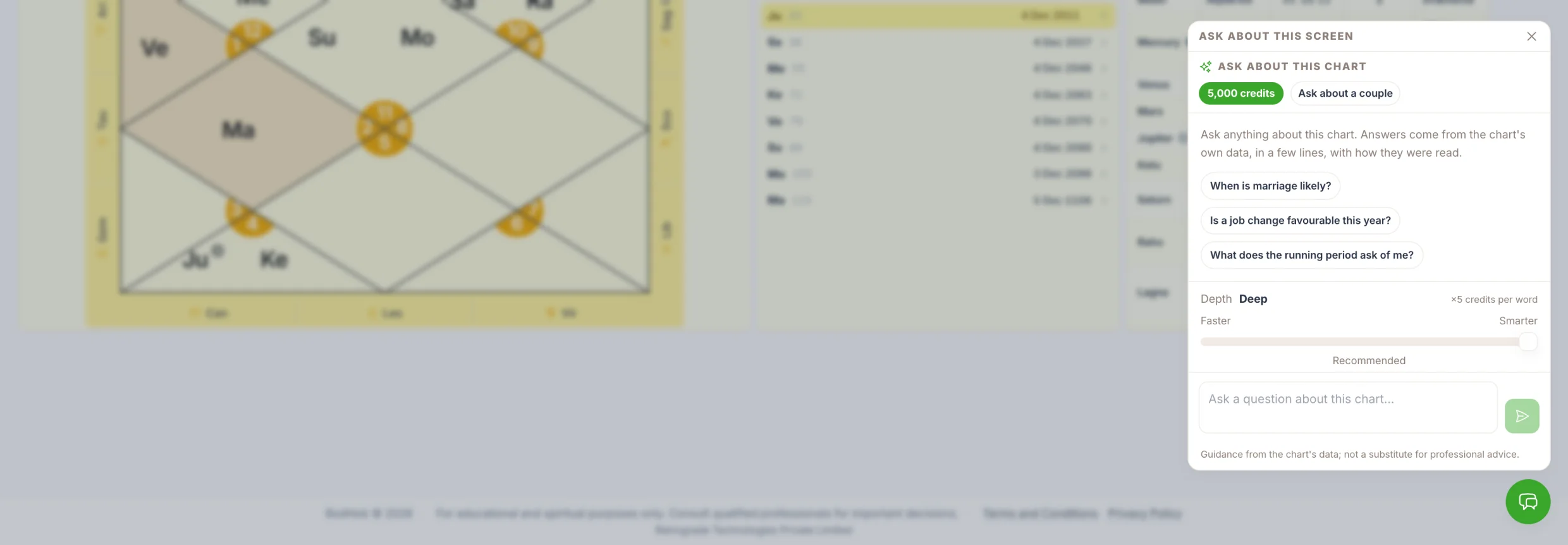
- Things a desktop can't do easily. Bodhlok, for example, adds an AI consult that runs in four layers: a calculation engine (Swiss Ephemeris, your choice of ayanamsa), a rule engine built on classical principles and Asttrolok's teaching framework, a context engine that pulls only what the question needs, and finally a language model that writes it up in Hindi or English. The language model does not calculate anything, and the final judgement stays with the astrologer.
What online software asks of you
To be fair, the browser has costs too.
- Connectivity. You need an internet connection to open the desk.
- Subscriptions. Advanced features are usually paid for monthly or yearly rather than once.
- Trust with data. Client birth details live on the provider's servers. Ask any vendor, including Bodhlok, how data is stored, who can see it and how to export or delete it.
- Screen size. Serious consultation still belongs on a desktop or laptop screen. Bodhlok is desktop-first; mobile is for quick reference.
A side-by-side view
Consideration | Desktop software | Online software |
|---|---|---|
Installation | Per computer | None, opens in a browser |
Works offline | Yes | No |
Updates | Manual download | Automatic |
Access from several computers | File copying | Same account everywhere |
Mac and Linux | Varies by program | Any modern browser |
Typical cost | Free or one-time licence | Free tier plus subscription |
Client data location | Your own disk | Provider's servers |
Teaching a batch | One install per student | Shared sample charts |
How to choose
Ask three questions. Where do you consult: one desk or several places? Do you teach or work with other astrologers? And do you need the deepest research options, or a desk that brings the right information together for the question in front of you?
Many practitioners keep both: JHora on the desktop for research and an online desk for daily consultations and client notes. There is nothing wrong with that.
Try the browser desk
Open your free desk at bodhlok.com and load a sample chart. D1 with Bhava Chalit, the Shodashavarga, Vimshottari to the pratyantar, KP sub-lords and Ashtakavarga are all on one screen, with no installation.
Frequently asked questions
Is Jagannatha Hora available online?
Jagannatha Hora is a free Windows desktop program by P.V.R. Narasimha Rao; it is not a browser application. Astrologers who want a browser-based desk use online software such as Bodhlok alongside or instead of it.
Can I use Vedic astrology software on a Mac?
Some desktop programs, such as Parashara's Light 9.0, have a Mac version, while others are Windows-only. Browser-based software like Bodhlok runs on any computer with a modern browser.
Does online astrology software work offline?
No. Browser-based software needs an internet connection to load charts. If you often consult without connectivity, keep a desktop program as a backup.
Is online astrology software as precise as desktop software?
Precision depends on the ephemeris and settings, not on where the software runs. Bodhlok uses the Swiss Ephemeris and lets you choose the ayanamsa, the same foundation many desktop programs use.
What is the best astrology software for teaching students?
For classes, browser-based software is simpler: students open the same sample chart with the same settings and no installation. Desktop tools work too but need every machine set up identically.
Compare on a real chart
Open a free desk, bring a sample chart, and see the calculations, timing tools and consult side by side with whatever you use today.