Jagannatha Hora (JHora) is free Windows software by P.V.R. Narasimha Rao with one of the widest calculation ranges in Jyotish, especially for Jaimini and dasha systems. Bodhlok is a browser-based professional desk: it runs on Windows, Mac or a tablet, keeps client notes and consultation history, and adds an AI consult in Hindi or English. Many astrologers use both.
Last updated: October 2026. Product details for other software are as published by their makers at the time of writing; check their sites for current versions.
If you learned Jyotish in the last twenty years, there is a good chance you learned it on Jagannatha Hora. It is the reference point most astrologers use when they ask about software, and any honest comparison has to start with what it does well.
What Jagannatha Hora does well
JHora is free, written by P.V.R. Narasimha Rao, author of Vedic Astrology: An Integrated Approach. Its strengths are real:
- Range of calculations. A very long list of dasha systems, divisional charts well beyond the Shodashavarga, special lagnas, sahams and strength measures.
- Jaimini depth. Chara karakas, arudha padas and several rashi dashas, with options for the variations different teachers follow.
- Configurability. Ayanamsa, node type, year length, house systems and many other settings can be changed, which makes it a strong research tool.
- A teaching tradition. Many courses and books were written around it, so students can follow along screen by screen.
If you work on one Windows computer, mostly do research, and value configurability above everything else, JHora remains an excellent choice. Nothing on this page should suggest otherwise.
Where practitioners feel the friction
The friction is not in the astrology. It is in how a desktop program from another era fits a working practice today:
- It is Windows software. On a Mac, Chromebook or tablet you need a virtual machine or a compatibility layer, and results vary. (See our guide to running Jagannatha Hora on a Mac.)
- Charts live on one machine. Moving client files between home and a consultation room means copying files yourself.
- Many screens, little guidance. For an expert, that is power. For a student, or for an astrologer under time pressure in a consultation, finding the right view for the question takes time.
- No practice layer. There is no built-in place for consultation notes or a client's history next to the chart.
- No plain-language layer. It calculates; it does not explain the evaluated chart in Hindi or English.
What Bodhlok does differently
Bodhlok is professional Vedic astrology software that runs in the browser, built by Retrograde Technologies on Asttrolok's teaching foundation and tested by Asttrolok students and practising astrologers on real consultation situations. Its idea is simple: the problem is rarely a shortage of information; it is seeing the right information at the right time for the question in front of you. So the desk is organised around the question.
What the desk holds:
- D1 with Bhava Chalit, Sudarshan Chakra and the full Shodashavarga
- KP with 249 sub-lords, ruling planets and horary by number
- Jaimini chara karakas, arudha padas and Chara dasha
- Vimshottari, Ashtottari and Yogini dashas to the pratyantar (third level)
- Yogas, doshas, Shadbala, Ashtakavarga, Bhrigu Nandi Nadi and Panch Pakshi
- Muhurta, marriage muhurta, Varshaphala, Prashna and kundli matching
- Client notes and consultation history alongside each chart
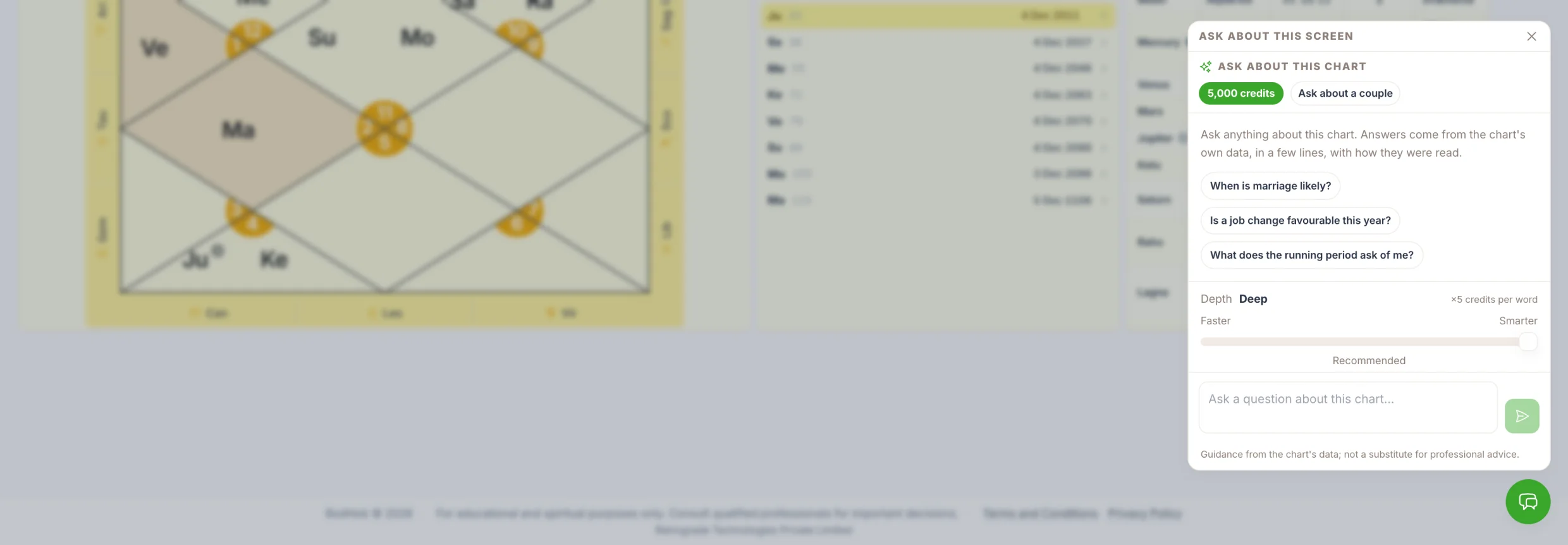
- An AI consult in Hindi or English
Calculations use the Swiss Ephemeris, and you choose the ayanamsa. The AI consult works in a fixed order: the calculation engine computes, a rule engine applies classical principles, a context engine picks what matters for the question, and only then does a language model write it up. The language model calculates nothing, and the judgement stays with the astrologer.
Side by side
Jagannatha Hora | Bodhlok | |
|---|---|---|
Price | Free | Free desk; paid plans, institute seats and AI consult credits |
Platform | Windows desktop | Any modern browser; desktop-first, mobile for quick reference |
Updates | Download and install new versions | Continuously updated in the browser |
Dasha systems | Very wide, among the broadest available | Vimshottari, Ashtottari, Yogini to the pratyantar; Jaimini Chara dasha |
Jaimini | Very deep, many variations | Chara karakas, arudha padas, Chara dasha |
Research options | Exceptional configurability | Fewer research options; focused on consultation |
Client notes and history | Not built in | Built in |
Plain-language explanation | None | AI consult in Hindi or English |
Access from several devices | One machine at a time | Sign in from any browser |
Which should you use?
Stay with JHora if you are a researcher who needs unusual dasha systems or settings, you work offline on Windows, or your course is taught screen by screen in JHora.
Choose Bodhlok if you work on a Mac or move between devices, if you want client notes and history next to the chart, if you consult in Hindi and want explanations a client or student can follow, or if you want the screens arranged around the question rather than around the calculation list.
Use both. Many practitioners keep JHora for research and use a browser desk for consultations. There is nothing contradictory in that.
Checking that the charts match
When you compare any two programs, use the same birth data and the same settings. Small differences almost always come from:
- Ayanamsa. Lahiri (Chitrapaksha) is the common default; KP work uses the KP ayanamsa.
- Rahu and Ketu. Mean node or true node.
- Dasha year length. Some software uses a 365.25-day year, some a 360-day year, which shifts dasha dates.
- Birth time and place. A few minutes change divisional charts such as D9 and D60.
Open a chart you know well, such as a textbook example, match those four settings, and compare D1, D9 and the Vimshottari dates. That tells you more than any comparison table.
Try it on a chart you already know
Open your free desk at bodhlok.com, enter a sample chart you have studied in JHora, and see the same placements, dashas and divisional charts arranged around a question.
Frequently asked questions
Is Jagannatha Hora free?
Yes. Jagannatha Hora is free to download and use. It was written by P.V.R. Narasimha Rao and runs on Windows.
Does Jagannatha Hora work on Mac?
Not natively. Mac users run it inside a Windows virtual machine or through a Wine-based compatibility layer, with mixed results, or use browser-based software instead.
What is a good online alternative to Jagannatha Hora?
For consultation work, a browser-based desk such as Bodhlok gives divisional charts, dashas to the pratyantar, KP, Jaimini and client notes from any device. For research into rare dasha systems and settings, JHora's range is still broader.
Will a chart in Bodhlok match the same chart in JHora?
It should match closely when the birth data, ayanamsa, node type and dasha year length are set the same. Differences almost always trace back to one of those settings.
Can I get chart explanations in Hindi?
Bodhlok's AI consult explains an already-calculated, rule-evaluated chart in Hindi or English. JHora does not include a plain-language explanation layer.
Compare on a real chart
Open a free desk, bring a sample chart, and see the calculations, timing tools and consult side by side with whatever you use today.