
The most used Vedic astrology software for professionals includes Jagannatha Hora (free, Windows, very deep), Parashara's Light and LeoStar (long-established commercial programs with reports), Kala and Shri Jyoti Star (desktop tools popular with classical and Western-trained Jyotishis), AstroSage (online, large free tier) and Bodhlok (a browser desk with client notes and an AI consult). The right
Last updated: October 2026. This guide describes each program as its makers present it at the time of writing. Versions and prices change, so check each vendor's site before buying. Bodhlok is our product; we have tried to describe the others as fairly as we would want to be described.
There is no single best Vedic astrology software. A KP practitioner taking horary questions on the phone, a teacher running a weekend batch, and a researcher testing Jaimini dashas need different things. This guide sorts the main options by what they are good at, so you can choose by the way you work.
What a professional actually needs from the software
Before comparing names, list your own requirements. Most practitioners care about these, roughly in this order:
- Correct calculation. A reliable ephemeris, a choice of ayanamsa, and dasha dates you can trust to the day.
- The techniques you use. Parashari divisional charts and dashas, KP sub-lords, Jaimini, Ashtakavarga, Shadbala, Prashna, muhurta.
- Speed in consultation. How quickly you get from a question to the screens that answer it.
- Platform. Windows only, or Mac, tablet and any browser.
- Practice tools. Client records, notes and history.
- Language. Interface, reports or explanations in Hindi or a regional language if you consult in one.
- Cost. Free, one-time licence, or subscription.
The main options
Jagannatha Hora (JHora)
Free Windows software by P.V.R. Narasimha Rao. Its range of calculations is among the widest available: many dasha systems, deep Jaimini support, extensive divisional charts and a great deal of configurability. Many teachers built their courses on it. Its limits are practical rather than astrological: it is a Windows desktop program, charts live on one machine, and there is no notes or explanation layer. Best for researchers and students who follow a JHora-based course.
Parashara's Light
Long-established commercial software from GeoVision. Known for comprehensive Parashari calculations, a large library of interpretive text and printable reports, which suits astrologers who hand clients a written report. Check the vendor's site for current platform support and editions.
LeoStar
Commercial software from Future Point, widely used in India. Known for broad calculation coverage including KP, and for reports in Hindi and other Indian languages, which matters to astrologers whose clients read Hindi. A desktop program; check the vendor for current editions.
Kala
Commercial Windows software by Ernst Wilhelm. Valued by classically minded practitioners for its depth in Parashari and related techniques and for research features. Best for serious students of classical methods who work on Windows.
Shri Jyoti Star
Commercial Windows software popular with many Western-trained Jyotishis, known for clear chart displays and a wide set of Vedic calculations. Best for practitioners who learned Jyotish in Western schools and want a polished desktop tool.
AstroSage
An online service and app with a large free tier and Hindi support, used by both the public and astrologers. Convenient for a quick chart on any device. Its audience is broad, and its depth for professional consultation work differs by tool, so test the techniques you rely on.
Bodhlok
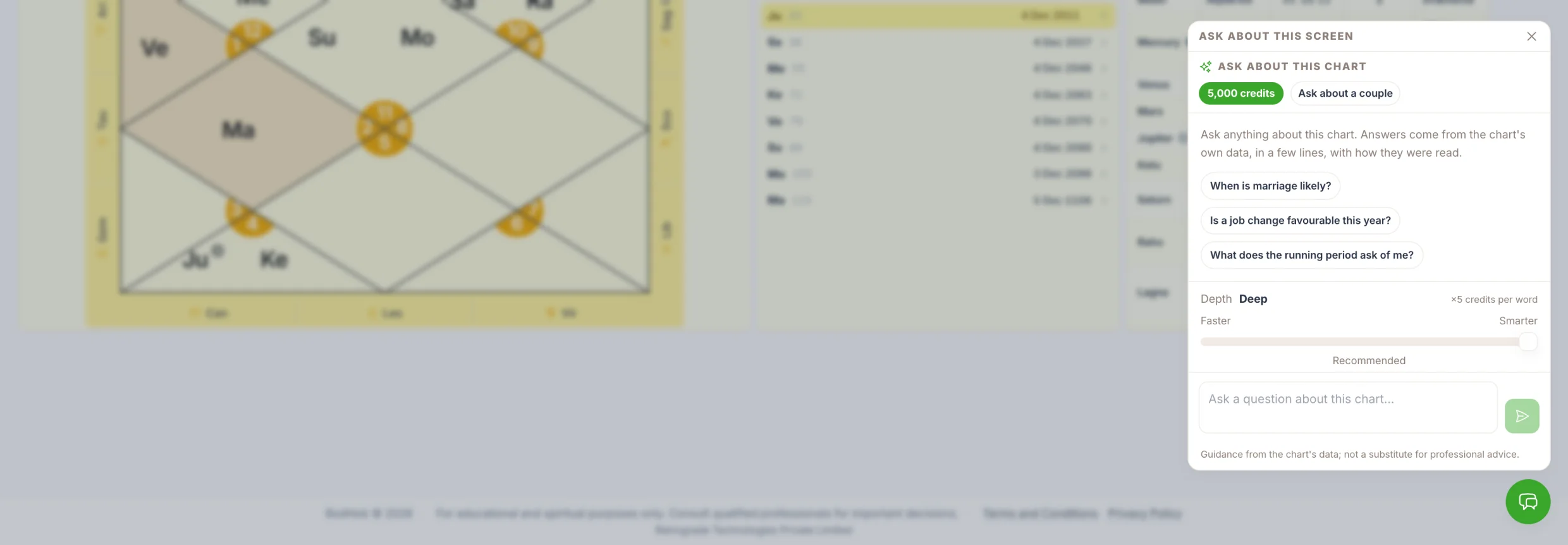
Professional Vedic astrology software in the browser, built by Retrograde Technologies on Asttrolok's teaching foundation. It runs on any modern browser (desktop-first; mobile for quick reference) and holds D1 with Bhava Chalit and the Shodashavarga, KP with 249 sub-lords and horary by number, Jaimini chara karakas and Chara dasha, Vimshottari, Ashtottari and Yogini to the pratyantar, Ashtakavarga, Shadbala, Bhrigu Nandi Nadi, Prashna, Muhurta and Varshaphala, plus client notes and consultation history. Its AI consult explains an already-calculated, rule-evaluated chart in Hindi or English. It has fewer research settings than JHora. Best for practising astrologers who move between devices, keep client records and consult in Hindi or English.
Quick comparison
Software | Runs on | Cost model | Known strengths | Consider if |
|---|---|---|---|---|
Jagannatha Hora | Windows | Free | Range, Jaimini, configurability | You research or follow a JHora course |
Parashara's Light | Desktop (check vendor) | Paid licence | Parashari depth, written reports | You give clients printed reports |
LeoStar | Desktop | Paid licence | KP, Hindi and regional-language reports | Your clients read Hindi |
Kala | Windows | Paid licence | Classical depth, research | You study classical techniques closely |
Shri Jyoti Star | Windows | Paid licence | Clear displays, wide calculations | You trained in a Western Jyotish school |
AstroSage | Browser, app | Free tier, paid extras | Convenience, Hindi | You need a quick chart anywhere |
Bodhlok | Any browser | Free desk, paid plans | Question-led desk, client notes, Hindi/English AI consult | You consult across devices and keep records |
How to choose in an afternoon
- Pick three charts you know well, textbook examples or your own sample charts. Never test with a client's data on a trial account.
- Match settings: same ayanamsa, same node type (mean or true), same dasha year length.
- Check calculation: D1, D9 and Vimshottari dates should agree across programs once settings match.
- Run your real workflow: take one question (career, marriage timing, a horary question) and time how long it takes to reach every screen you need.
- Check the practice layer: can you add notes, find a client's history, and open the same chart from another device?
Many professionals end up with two tools: one for deep research and one for consultation. That is a sensible outcome.
Where a browser desk fits
Desktop programs remain unmatched for some research work. A browser desk changes other things: updates arrive without installs, a chart opened at home is there in the consultation room, and teachers and students can see the same desk. Bodhlok adds an AI consult that follows a strict order (calculation, then classical rules, then the context of the question, then language), so the explanation rests on calculated data rather than on a language model's guesses. The astrologer still decides.
Try it beside your current software
Open your free desk at bodhlok.com, load a sample chart you know from your current program, and compare the screens for one real question.
Frequently asked questions
What software do professional Vedic astrologers use?
Common choices are Jagannatha Hora, Parashara's Light, LeoStar, Kala, Shri Jyoti Star, AstroSage and browser-based desks such as Bodhlok. Many professionals use one tool for research and another for consultations.
Which Vedic astrology software is free?
Jagannatha Hora is free on Windows. AstroSage has a large free tier online, and Bodhlok offers a free desk in the browser with paid plans for professional use.
Is there Vedic astrology software that runs on Mac?
Most classic Jyotish programs are Windows desktop software. Browser-based tools such as Bodhlok and AstroSage run on a Mac without installation; check each desktop vendor for current Mac support.
What is the best astrology software for students learning Jyotish?
Students usually do best with software that matches their course and shows the reasoning clearly. JHora is common in courses built around it; Bodhlok was built on Asttrolok's teaching foundation and works from any browser.
Which software helps astrologers keep client notes?
Bodhlok keeps client notes and consultation history alongside each chart. Most desktop programs store chart files but have no built-in consultation record.
Compare on a real chart
Open a free desk, bring a sample chart, and see the calculations, timing tools and consult side by side with whatever you use today.