
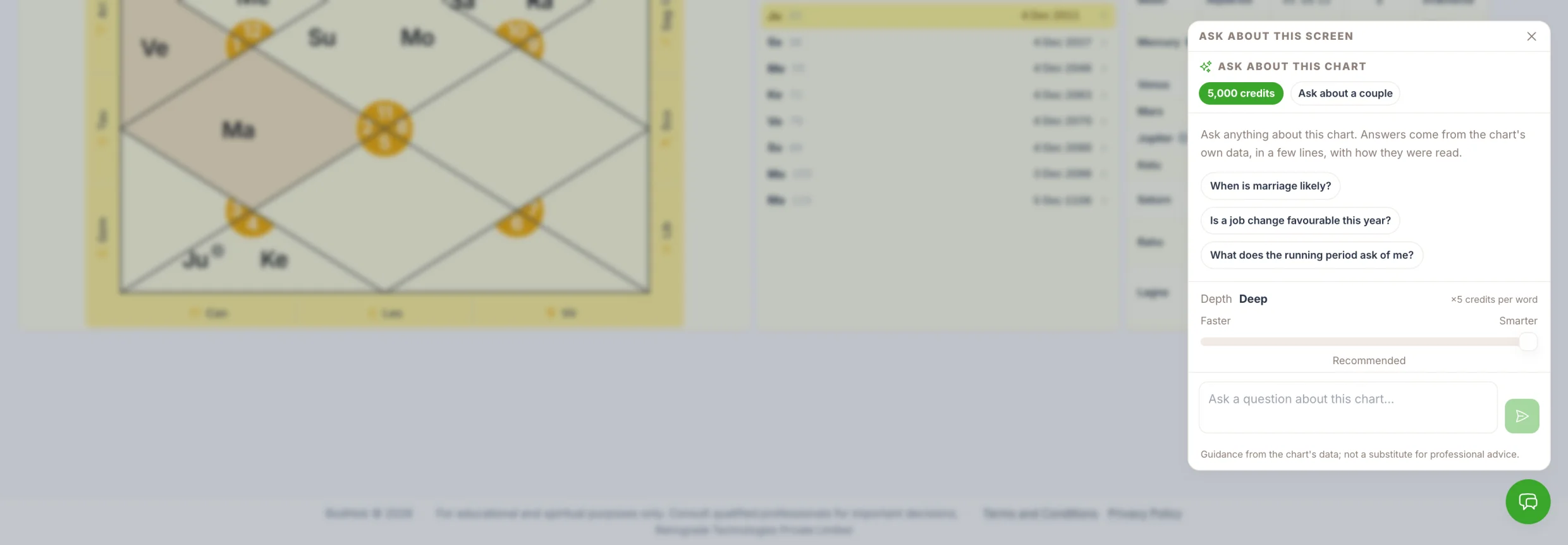
LeoStar, from Future Point, is long-established Windows astrology software sold in several editions, known for detailed printed reports in Hindi and other Indian languages, with modules for KP, Lal Kitab, numerology, Varshaphal and muhurat. Bodhlok is a browser-based desk for consultations: it runs on Windows, Mac or a tablet, keeps client notes beside the chart, and shows the reasoning behind
Two tools built for different parts of the job
LeoStar and Bodhlok both calculate a Vedic chart properly. The real difference is the part of an astrologer's working day each one was designed around.
LeoStar grew up around the report: a client's kundli calculated once and printed as a detailed booklet of charts, tables and written predictions. Many astrologers in India have built their practice on that booklet for years.
Bodhlok was built around the consultation itself: the moment when a placement raises a question about the running dasha, the dasha sends you to the transit, and the transit brings you back to the chart. Its creator, Alok Khandelwal, practised and taught for 25 years before building it, and the desk keeps that line of thought on one screen.
What LeoStar does well
It is fair to start here, because LeoStar has earned its place.
- Reports. LeoStar's printed horoscopes, matching reports and annual reports are thorough and familiar to clients. If your practice sells a printed kundli, it is a proven tool.
- Languages. Future Point sells LeoStar in bilingual and multi-lingual editions, including Hindi, which matters to astrologers who consult across India.
- Breadth of modules. Depending on the edition, LeoStar covers astrology, matching, Varshaphal, horary, KP, Lal Kitab, numerology, muhurat, Panchang and transits. Bodhlok does not offer Lal Kitab or numerology.
- Editions for every stage. From a home edition to professional and expert editions, you buy what you need as a one-time desktop licence.
- Works offline. As installed Windows software, it does not need a connection once it is set up.
Where Bodhlok is different
- It runs in the browser. No installation and no Windows requirement: the same desk opens on a Windows PC, a Mac or a tablet, and it is updated continuously. Serious consultation is best on a larger screen; mobile is for quick reference.
- The running period on every screen. Vimshottari, Ashtottari, Yogini and Chara dashas to the pratyantar (third-level dasha), with the current period visible whether you are on the D1, the D9 or the transit chart.
- Readings you can examine. Every consult answer lists what it read: the chart, the dashas, the transits and the rule applied. Open any of them on the desk and check the work. The AI assists the analysis; the judgement remains yours.
- The client stays beside the chart. Client notes, consultation history, follow-ups and family links sit in the same product as the kundli, so a returning client does not start from zero.
- Specialised methods given a proper place. Bhrigu Nandi Nadi, KP with 249 sub-lords on Placidus cusps, Jaimini chara karakas and Chara dasha, Ashtakavarga with transit strength by bindus, and Vivah Muhurat in five stages for both partners.
- Hindi throughout. A Hindi interface and Hindi consult answers on every plan.
Side by side
LeoStar | Bodhlok | |
|---|---|---|
Where it runs | Installed Windows software | Browser: Windows, Mac, tablet |
Updates | New versions and editions | Continuous, in the browser |
Strongest at | Detailed printed reports | Following a consultation across charts, dashas and transits |
Languages | Hindi, English and other Indian languages, by edition | Hindi and English interface and consult answers |
KP | Yes, by edition | 249 sub-lords, ruling planets, horary 1 to 249 |
Lal Kitab, numerology | Yes, by edition | Not offered |
Client records | Saved charts | Notes, history, follow-ups, family links, bookings |
Explanations | Written predictions in reports | Consult answers that list the chart, dasha, transit and rule they used |
Reports | Extensive printed reports | Kundli, remedies, muhurta and report PDFs |
Offline | Yes | Needs a connection |
Which one fits your practice
Choose LeoStar if your practice centres on printed reports, you need Lal Kitab or numerology modules, or you work offline on one Windows computer.
Choose Bodhlok if you consult on more than one device, want the dasha, transit and divisional charts in one line of thought during a reading, keep notes on returning clients, or teach students who need the same tools at home as in class.
Many practitioners keep the software they know for reports and use Bodhlok at the consultation desk. Nothing stops you running both, and comparing a chart in each is a good way to check settings such as the ayanamsa.
A note on calculations
Both programs use standard ephemeris calculations. If a chart looks different between them, check the ayanamsa (Lahiri, KP or another), the time zone and the birth place coordinates before suspecting the software. Bodhlok lets each user choose the ayanamsa and uses the Swiss Ephemeris.
Try it on a sample chart
Open your free desk at bodhlok.com, bring a chart you already know from LeoStar, and follow one question from the D1 to the dasha and the transit. Start free. Bring your first chart to the desk.
Frequently asked questions
Is LeoStar available for Mac?
LeoStar is sold as Windows software. Mac users usually run it through a Windows virtual machine. Bodhlok runs in the browser, so it works on a Mac without installation.
Does LeoStar have Hindi?
Yes. Future Point sells bilingual and multi-lingual editions of LeoStar, including Hindi. Bodhlok also has a Hindi interface and Hindi consult answers on every plan.
Does Bodhlok have Lal Kitab or numerology like LeoStar?
No. Bodhlok focuses on Parashari, KP, Jaimini, Bhrigu Nandi Nadi, Tajik Varshaphala, Prashna and Muhurta. If you need Lal Kitab or numerology, LeoStar covers them in its larger editions.
Can I use LeoStar and Bodhlok together?
Yes. Many astrologers keep desktop software for printed reports and use a browser desk during consultations. Match the ayanamsa and birth details in both, and the charts will agree.
What is a good online alternative to LeoStar?
If you want browser-based software for consultations rather than printed reports, Bodhlok runs on any device and keeps client notes, dashas and transits on one desk. You can start with a free desk.
Compare on a real chart
Open a free desk, bring a sample chart, and see the calculations, timing tools and consult side by side with whatever you use today.